URL Metadata Extractor
Get instant SEO insights from any webpage. Extract and analyze title, description, canonical URL, Open Graph data, X cards, icons and structured data — all in one place.
- Fast & Accurate
- SEO Friendly
- No Installation
- Free to Use
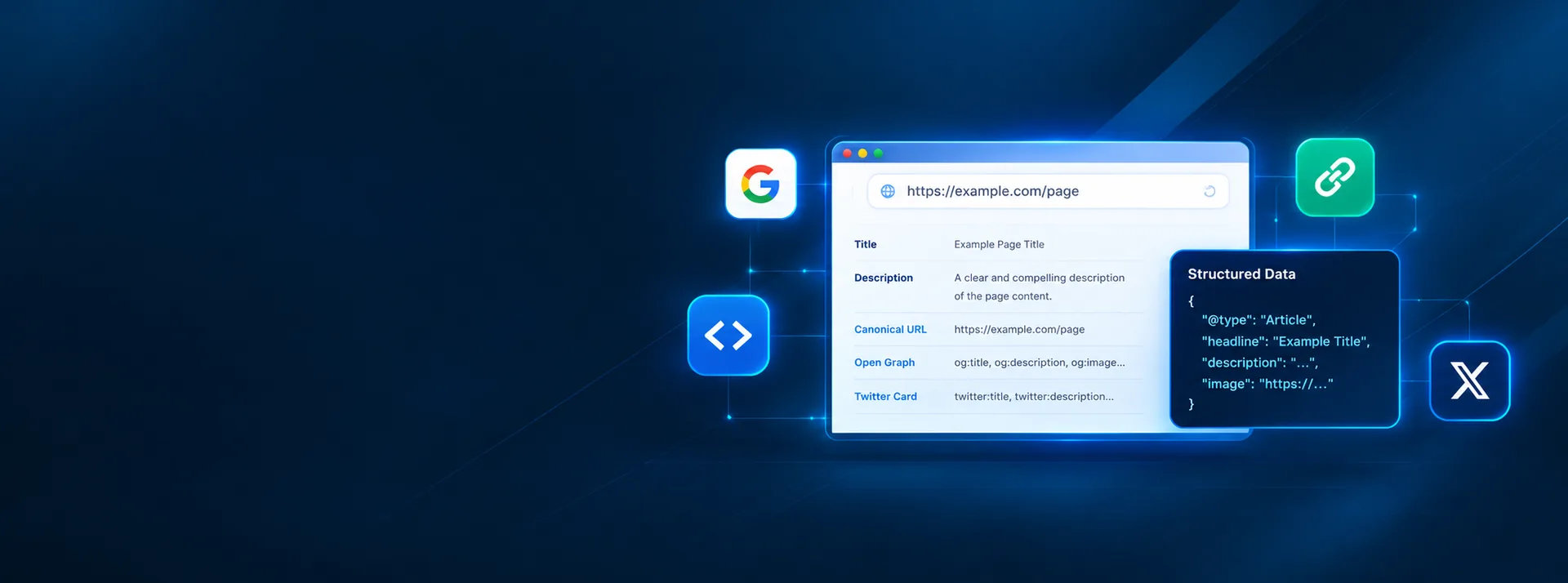
Paste any public URL and we'll fetch and analyze the page's metadata, Open Graph tags, Twitter cards, structured data and more. Our server fetches the page for you (websites can't be read directly from a browser) and we don't store the page or the results.
Complete Metadata, All in One Place
No more manual checks or guesswork. Get detailed metadata and SEO insights in seconds, so you can optimize your content and improve search visibility.
Page Title & Description
See the exact title and meta description your page is using in search results.
Canonical URL
Find the canonical URL and avoid duplicate content issues.
Open Graph Data
Get OG tags for better sharing on Facebook, LinkedIn and other platforms.
X (Twitter) Cards
View Twitter card metadata for rich previews and engagement.
Icons & Favicons
Check favicon, app icons and other image resources.
Structured Data
View JSON-LD and schema markup, and spot invalid data.
Social Previews
See how your page looks when shared on social media.
Raw HTML
Access the complete meta tags and head section.
Get Results in 3 Simple Steps
- 1
Enter URL
Paste the webpage URL you want to analyze.
- 2
Extract Metadata
Our tool fetches and parses the page, collecting all relevant metadata.
- 3
View Results
Get a clean, organized report with all the details you need.
Get the most from your metadata.
Use the tool. Improve your SEO.
Analyze your competitor's pages, check what's missing, and make your content stand out in search results.
No registration required. Free to use.
Quick Answers
Is this tool free to use?
Yes. The URL Metadata Extractor is free, with no account or sign-up required.
What metadata does it extract?
The title, meta description, canonical URL, robots directives, language, viewport and character set; Open Graph and X (Twitter) card tags; favicons and app icons; hreflang alternates and feeds; JSON-LD structured data; the main headings; the page’s head markup; and response details such as the status code and redirects.
How accurate is the metadata extraction?
It reads the page’s HTML exactly as the server sends it, so what it reports is what crawlers and link previews see. The search and social previews are approximations, because Google and social networks may rewrite titles and snippets, or show a cached image.
Does it work for all websites?
It works for any public page that serves HTML to automated tools. Sites with bot protection or a login can’t be read, and in that case the tool says so. Tags that JavaScript adds after the page loads aren’t seen, because they aren’t in the HTML the server sends.
Can I analyze multiple URLs at once?
It analyzes one URL at a time. Run it again for each page you want to check. To prevent abuse, each connection can run a limited number of checks every few minutes.
How often should I check my metadata?
Check it whenever you publish or redesign a page, change your URLs or templates, or migrate your site, and as a regular check-up, for example monthly or quarterly.
Related Tools & Resources
Explore more tools to help you build a faster, smarter and better website.